华为freebuds pro丢了一只怎么办
作者:
圣子
更新时间:
2022-02-07 10:52
华为freebuds pro是一款,性能优秀的无线蓝牙耳机。但很多小伙伴在使用时都曾遇到过,一边的耳机不见了的问题。很多小伙伴想知道,华为freebuds pro丢了一只怎么办?其实非常简单,接下来就让小编来告诉大家吧。
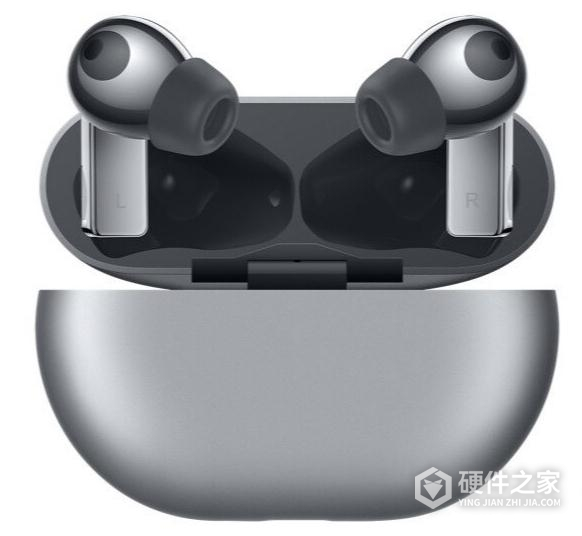
耳机查找功能,需要满足以下前提:手机要EMUI 11.0以上版本,需要提前登录华为帐号开启查找设备功能,耳机需要与手机蓝牙进行过连接。
满足前提条件下,可选择手机设置 > 安全 > 查找设备,登录华为帐号后进入查找设备,可以在查找设备列表中看到耳机的位置。已经丢失情况,查找耳机显示的记录位置信息为最后蓝牙连接断开时的手机位置。
相关知识
-
 华为freebuds pro怎么配对 2021-03-14
 -
华为freebuds pro怎么重置 2022-02-07
-
华为耳机freebuds pro怎么降噪 2020-11-05
-
华为耳机freebuds pro怎么配对 2020-11-05
-
freebuds pro怎么连接智慧生活 2020-11-10
-
华为耳机freebuds pro充电多久 2020-10-26
-
freebuds pro无线充电怎么使用 2020-10-28
-
华为耳机freebuds pro怎么定位 2021-03-13
-
华为freebuds pro丢了怎么找 2021-03-14
-
华为freebuds pro怎么开启降噪 2021-03-14
-
华为耳机freebuds pro怎么用 2020-09-24
-
华为freebuds pro如何双连接 2021-04-13